⚡ SPECIAL OFFER — TODAY ONLY 17/09/2026
Learn to Use the Main Tools, Functions, and Commands of Cricut Design Space to Create, Edit, Prep, and Send Your Projects to Cut with More Confidence
Find the right setting for every function in seconds and cut with more confidence, without wasting sheets and materials on test cuts.
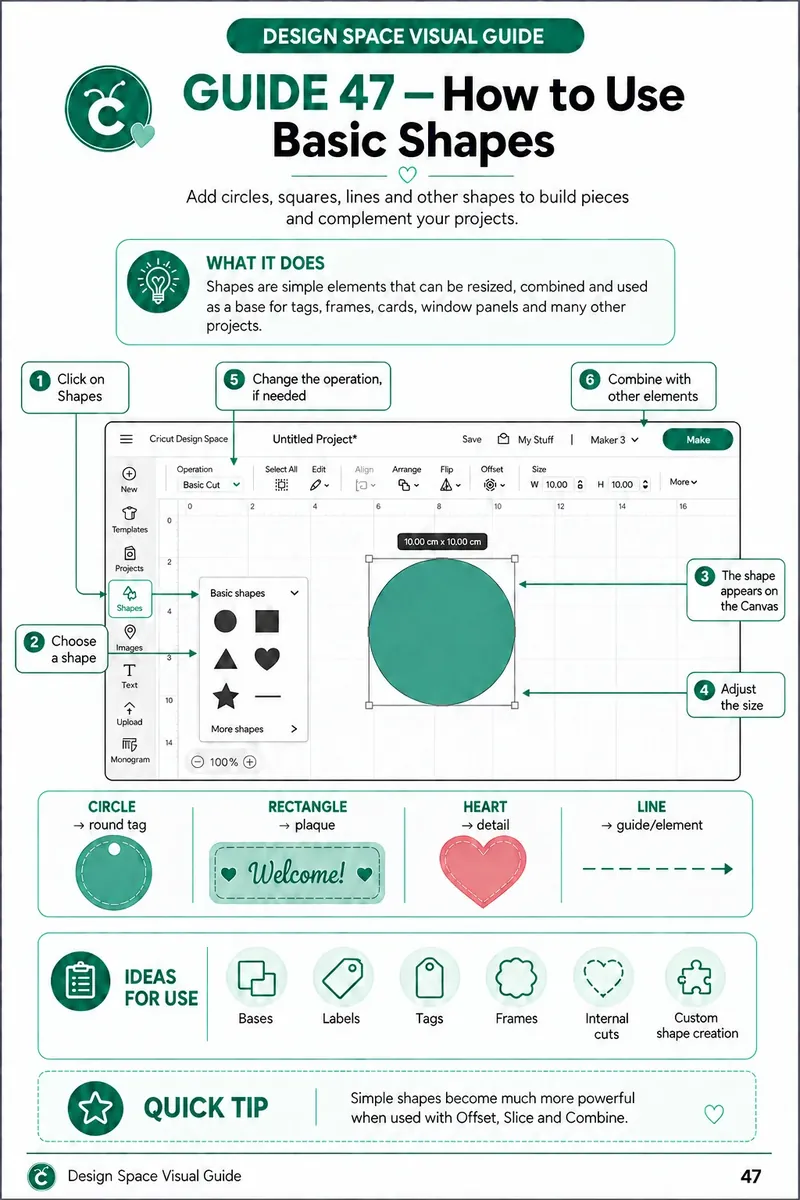
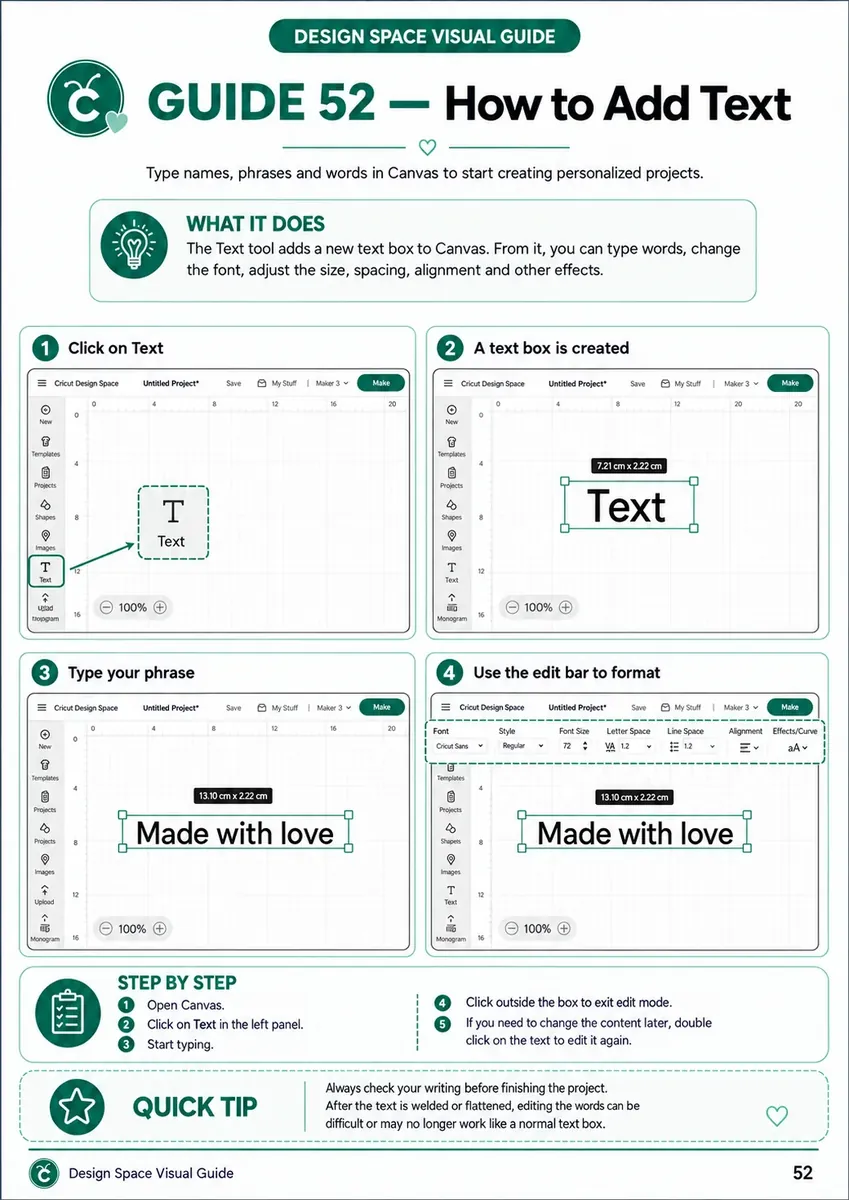
- Visual guides organized by function, ready to check any time a question comes up
- Find in seconds where to click and which tool to use inside Design Space
- Step-by-step visual sequence, no need to sit through full-length tutorials just to recall one simple command
- Lightweight material, easy to pull up on your phone
You get everything instantly, sent straight to your 📧 inbox
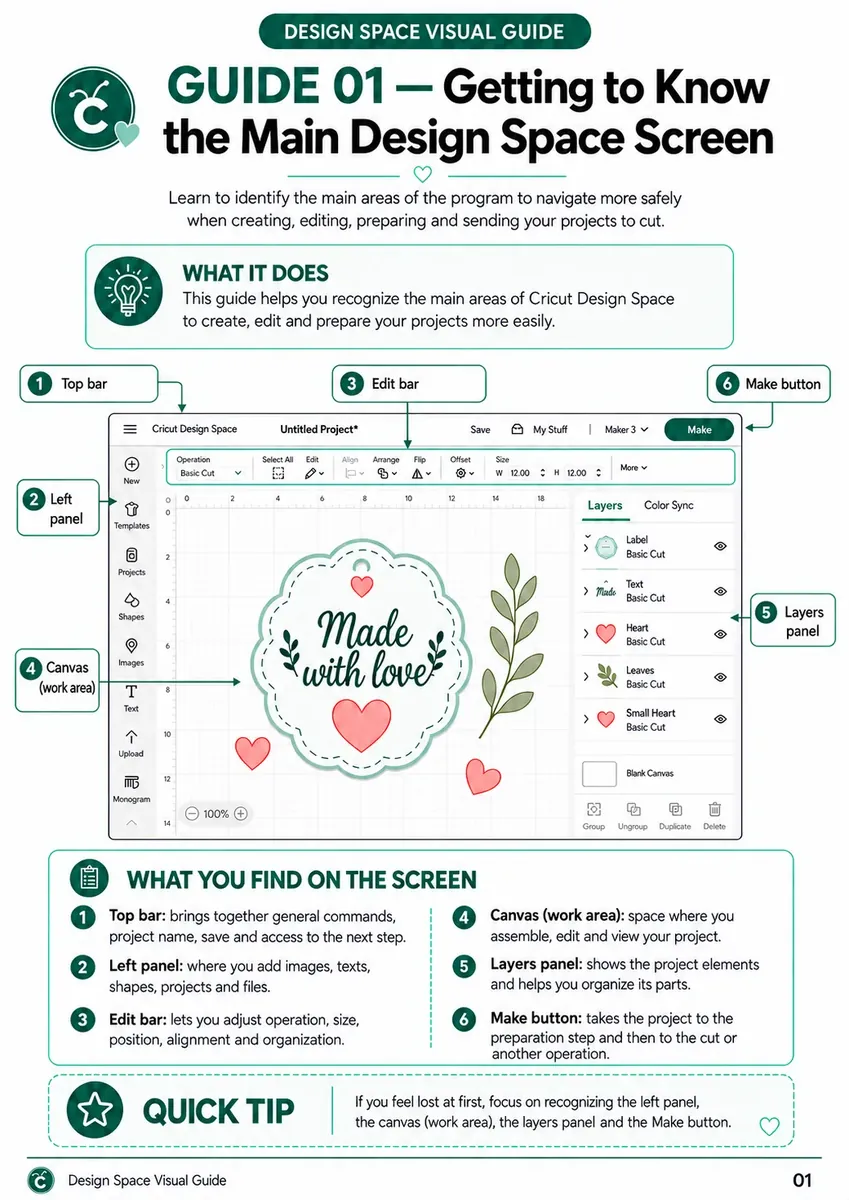
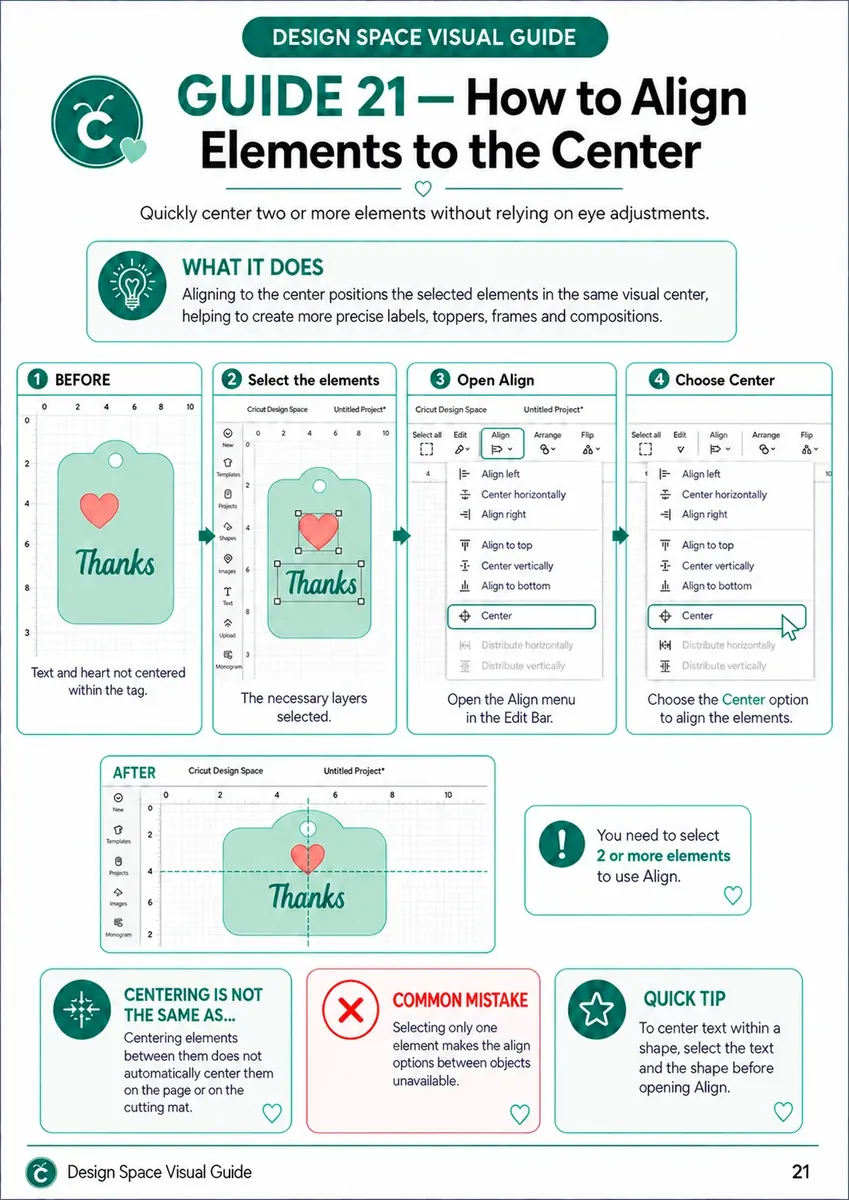
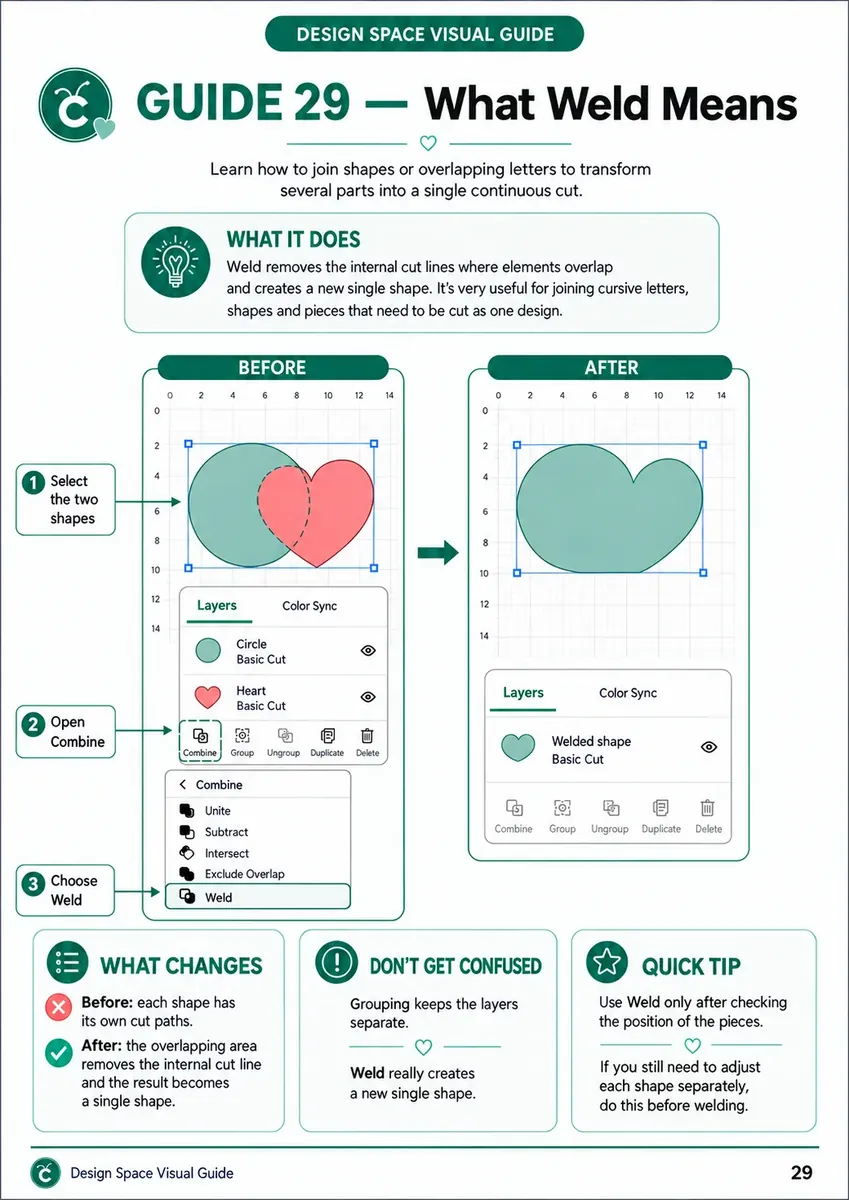
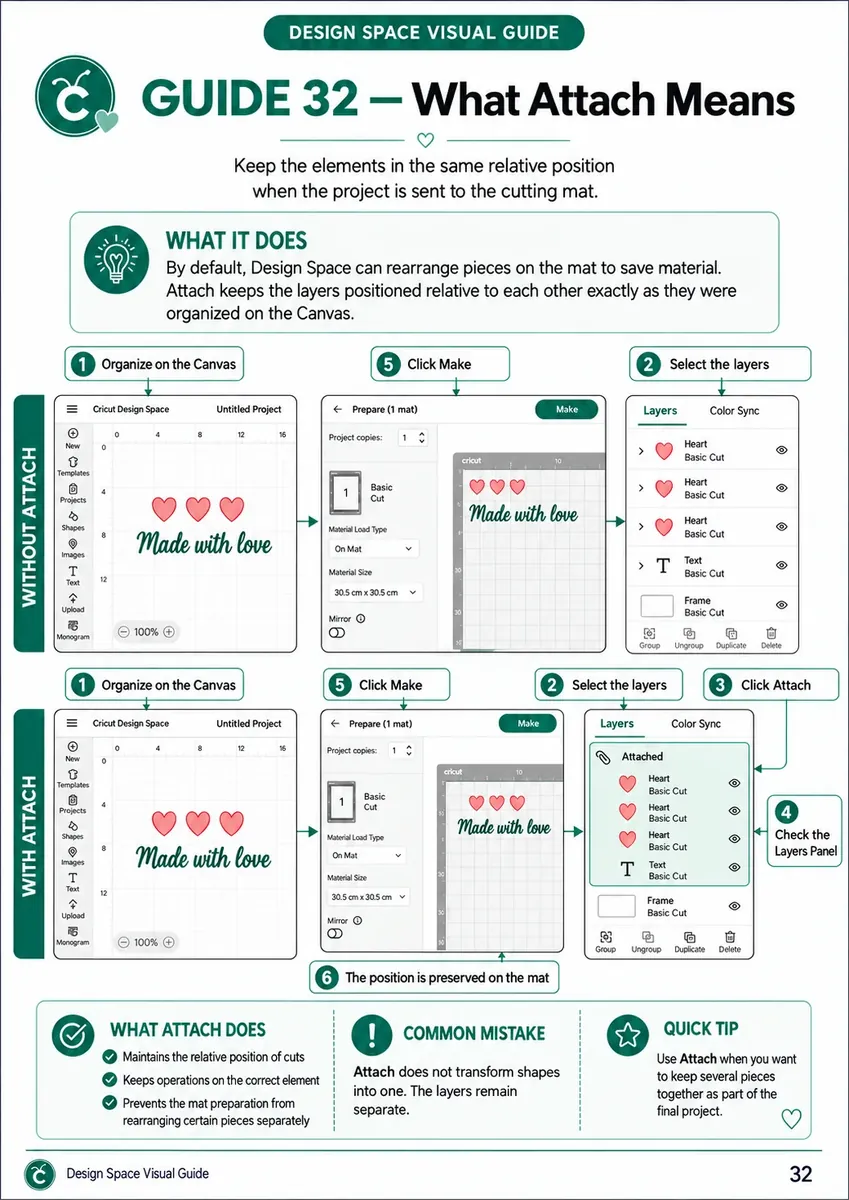
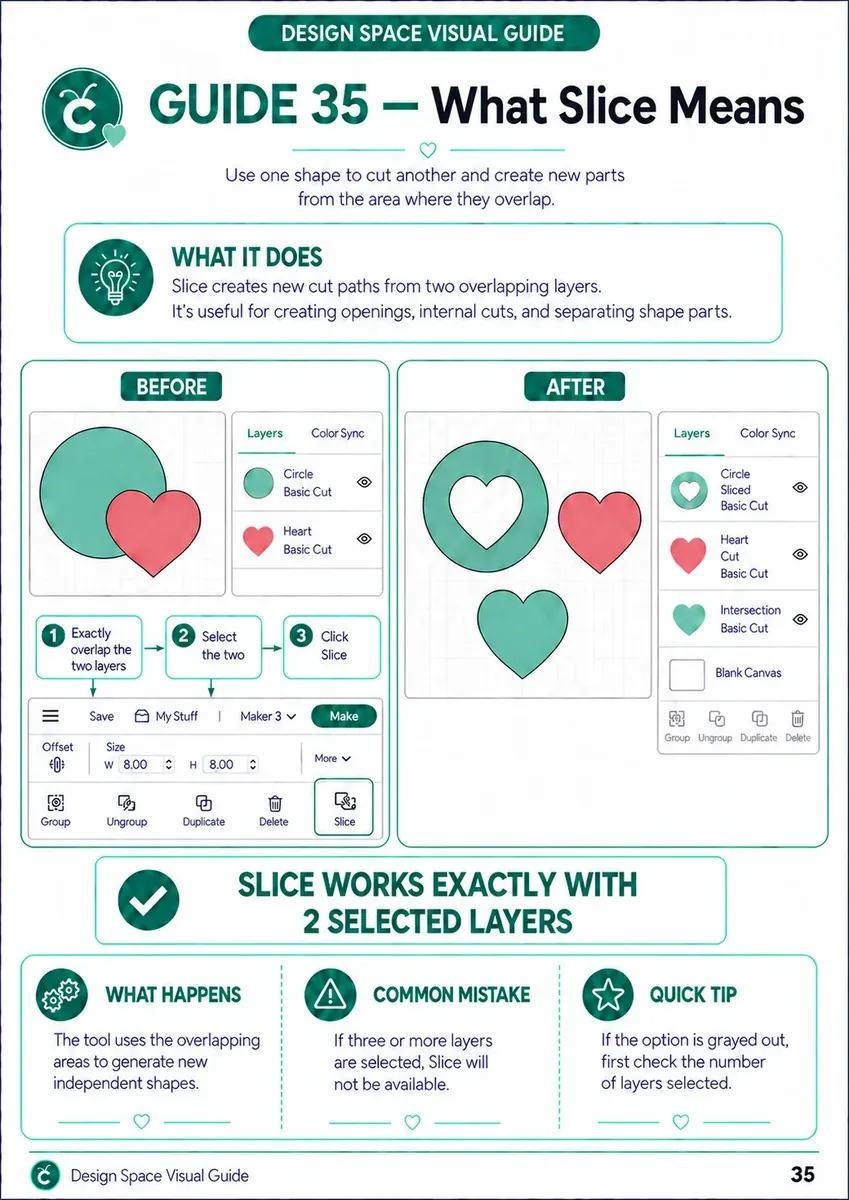
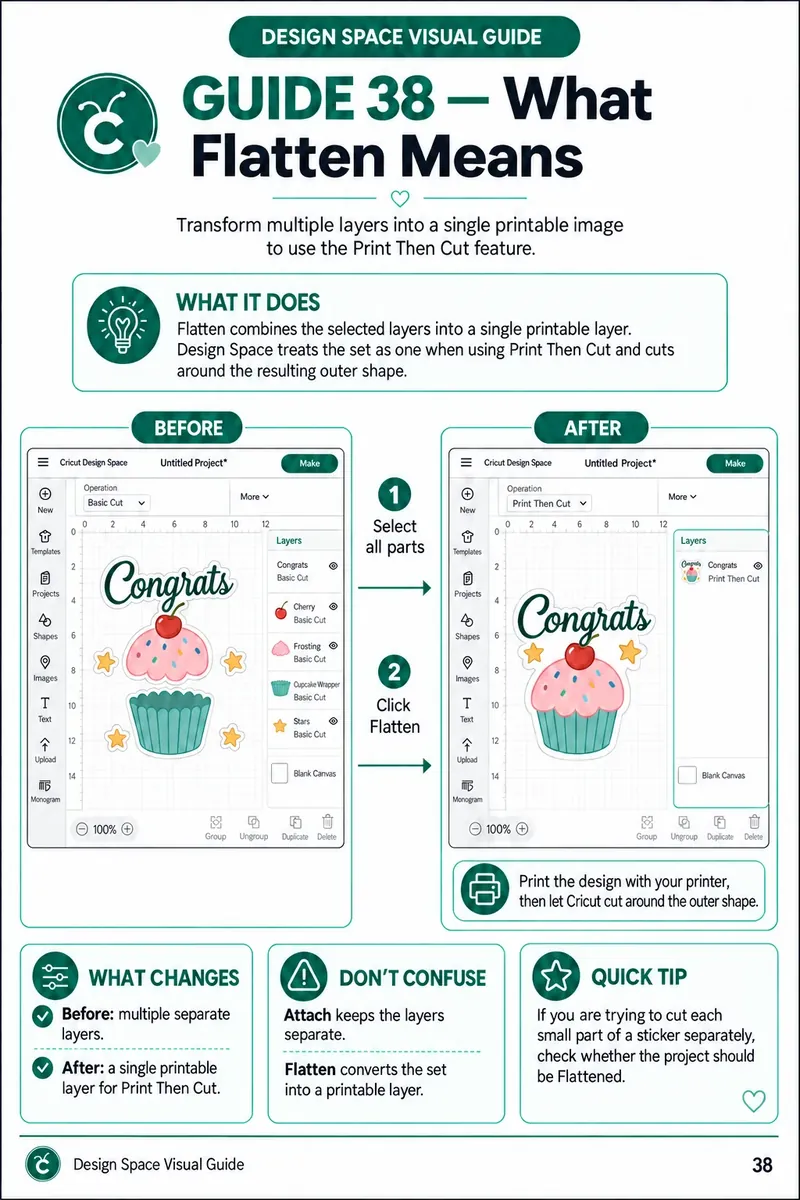
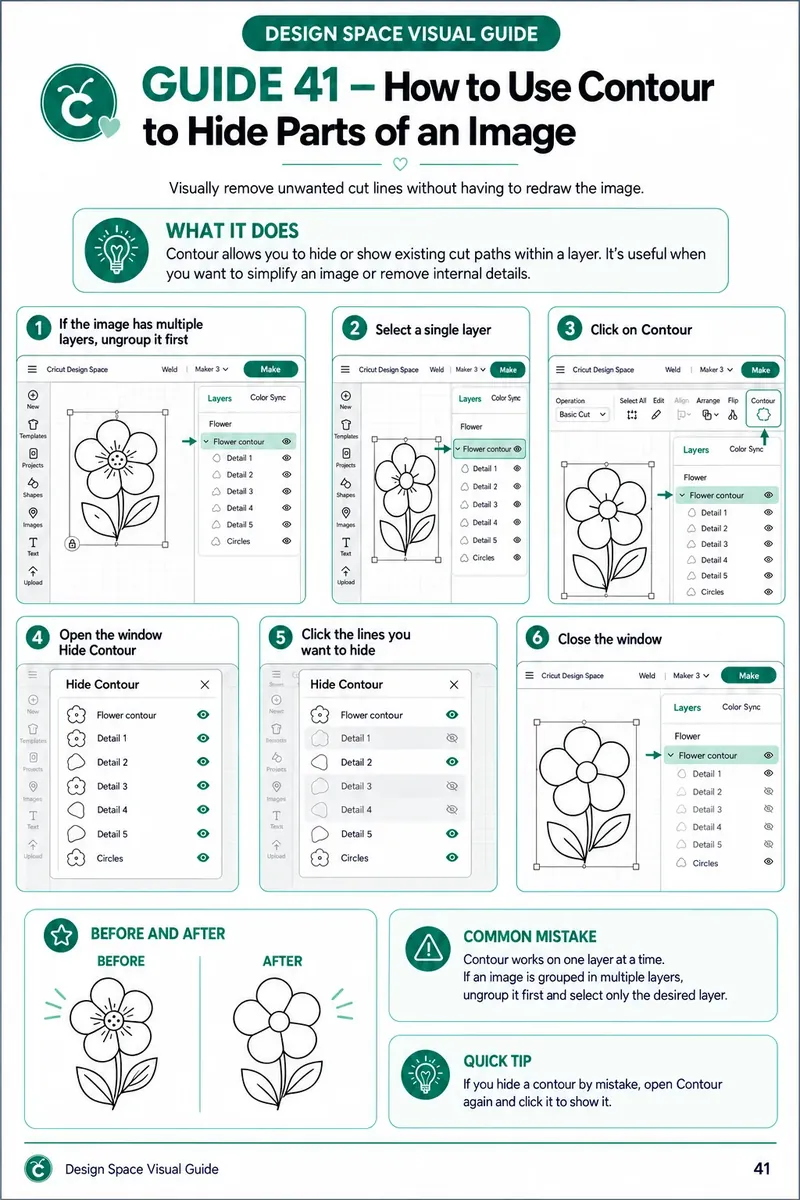
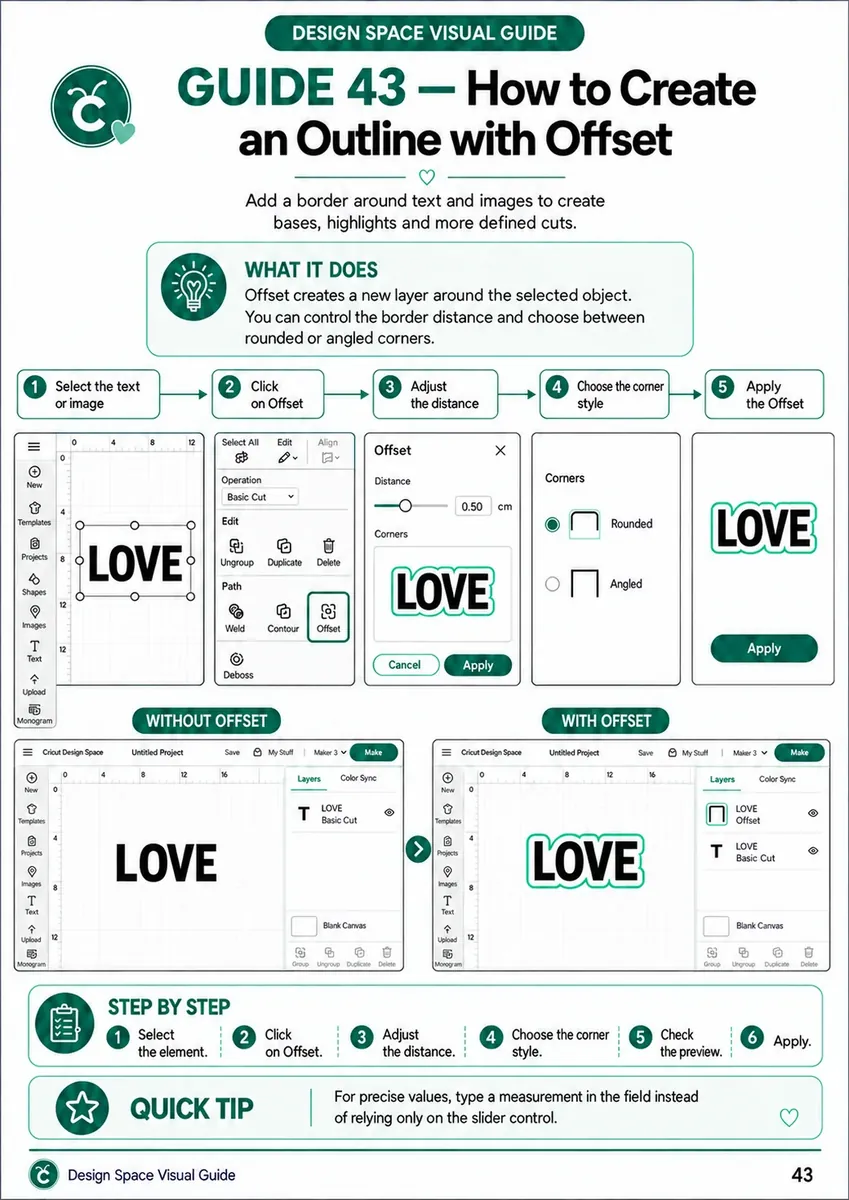
TAKE A LOOK INSIDE AT SOME OF THE GUIDES YOU'LL USE IN YOUR PROJECTS!
WITH THESE GUIDES, YOU'LL USE DESIGN SPACE FASTER, MORE EASILY, AND WITHOUT RELYING ON TRIAL AND ERROR
- Find the right function for every task in seconds
- Know exactly where to click and what sequence to follow
- Gain more independence to create, edit, prep, and send your own projects
- Keep a reference on hand on your phone at all times
See the difference between feeling lost in the software and knowing exactly what to do:
BEFORE
the Visual Guides
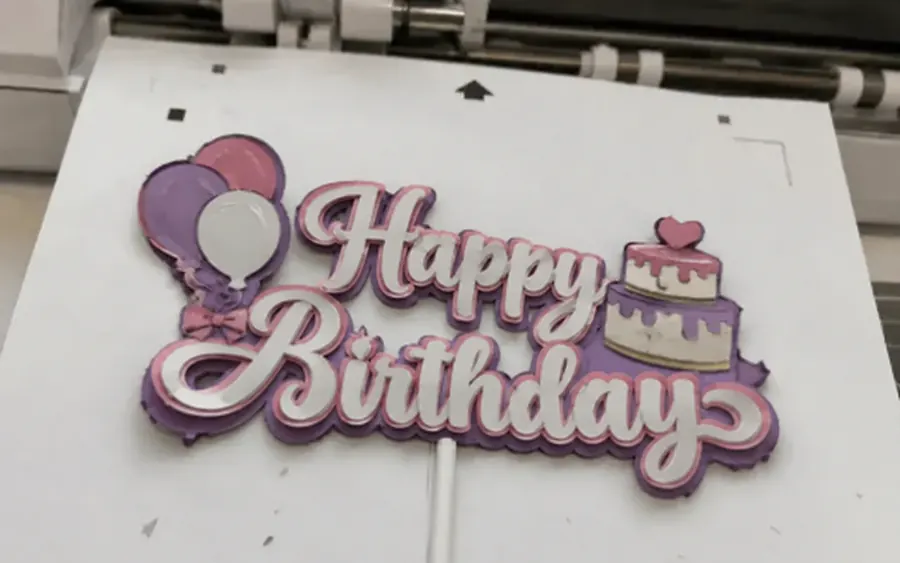
- Crooked cuts
- Wasted materials
- Lost in the menus
AFTER
the Visual Guides
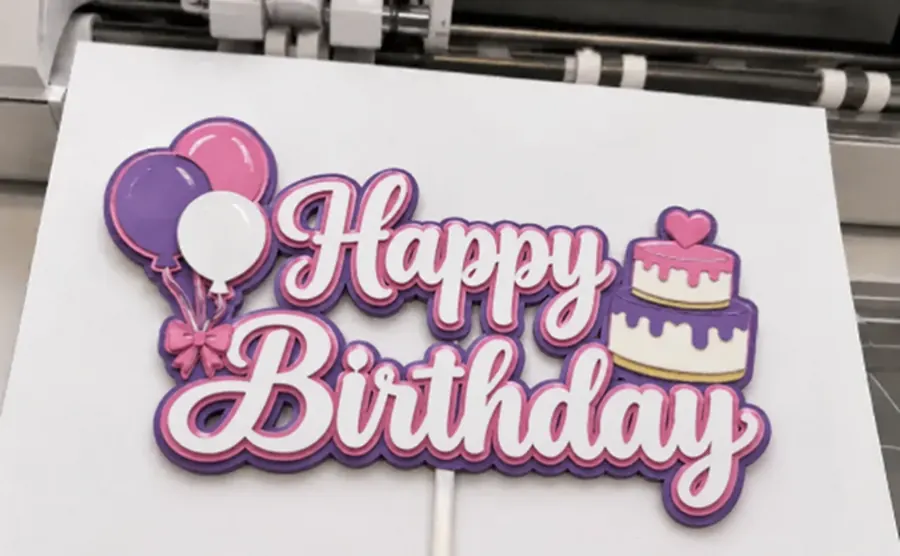
- Perfect cuts
- No wasted materials
- Mastering Design Space and making amazing projects
HOW MUCH LONGER ARE YOU GOING TO STRUGGLE WITH DESIGN SPACE?
Grab this offer while it's still available
I WANT ACCESS NOW AND USE IT TODAYTHIS IS FOR YOU IF YOU WANT TO

STOP FEELING LOST AMONG THE TOOLS, MENUS, AND COMMANDS IN DESIGN SPACE
QUICKLY FIND WHICH FUNCTION TO USE FOR EACH TASK, WITHOUT SEARCHING FROM SCRATCH
HAVE A VISUAL, PRACTICAL SEQUENCE TO FOLLOW
CREATE, EDIT, PREP, AND SEND YOUR PROJECTS TO CUT WITH MORE CONFIDENCE
FEEL MORE CONFIDENT USING DESIGN SPACE
HAVE A QUICK REFERENCE ALWAYS ON HAND, WITHOUT RELYING ON LONG VIDEOS
EVERYTHING YOU'LL GET
EVERYTHING YOU'LL GET INSIDE THE VISUAL GUIDES FOR DESIGN SPACE
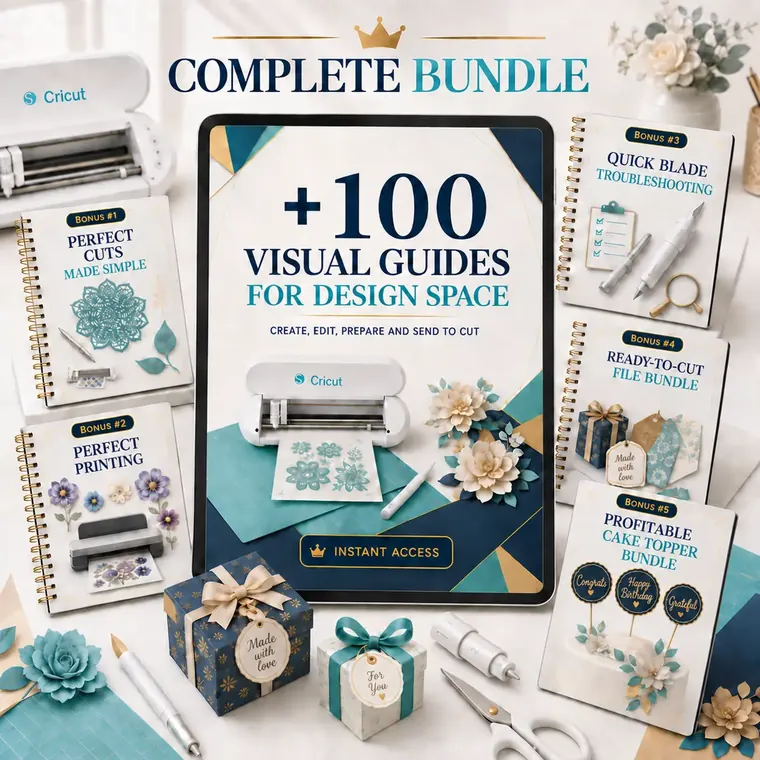
- +100 Visual Guides for Design Space
- Visual step-by-step for creating shapes, text, and layouts
- Selection, alignment, grouping, and transform tools for elements
- Weld, Attach, Slice, and Flatten functions
- Outer contours, inner contours, and print bleed/white borders for stickers and tags
- Importing, resizing, and tracing PNG and SVG images
- Full Print then Cut setup, including sensor marks
- Instant delivery by email
- Pressure and multi-cut/blade pass settings shown on the Prepare screen
- Guides split by task for quick lookup
- Straight-to-the-point info, no need to sit through long tutorials
- Ready-made visual sequence to cut down on trial and error
- Tips to avoid the most common cutting and printing mistakes
- PDF material you can check from your phone, tablet, or computer
AND THAT'S NOT ALL... THERE'S MORE!
You'll also get…
🔥 5 EXCLUSIVE BONUSES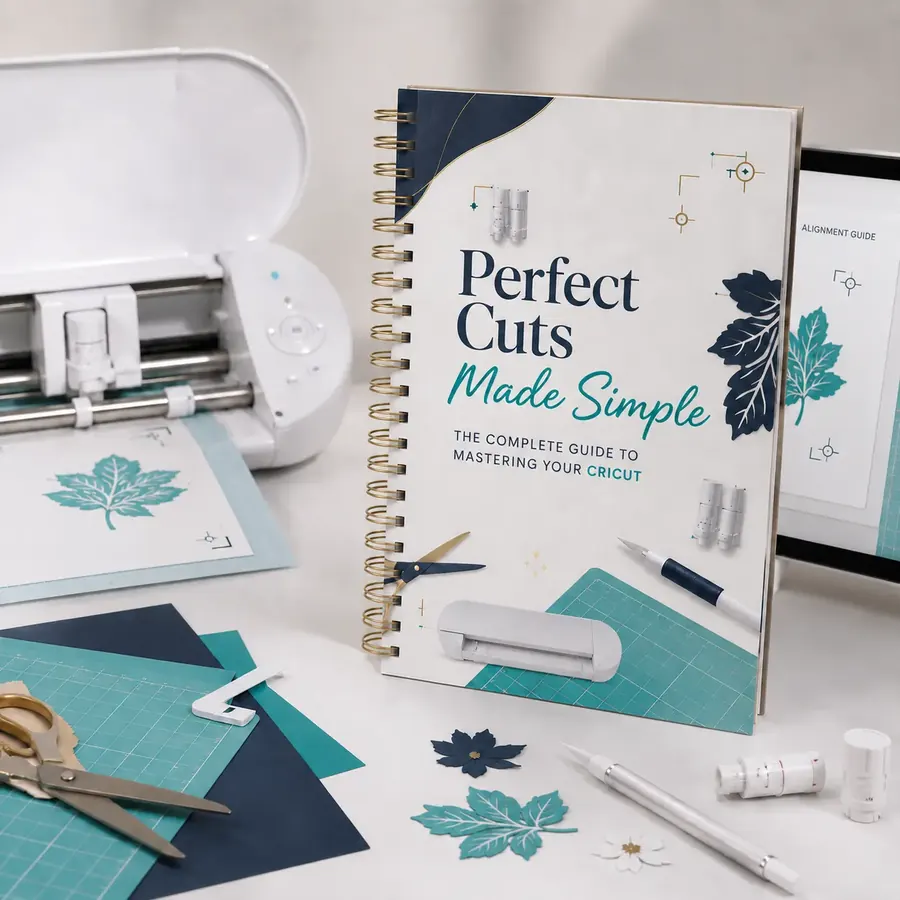 BONUS #1
Perfect Cuts in Practice
A practical guide to avoiding crooked, failed, and misaligned cuts, helping you get more precise results on projects made with your Cricut.
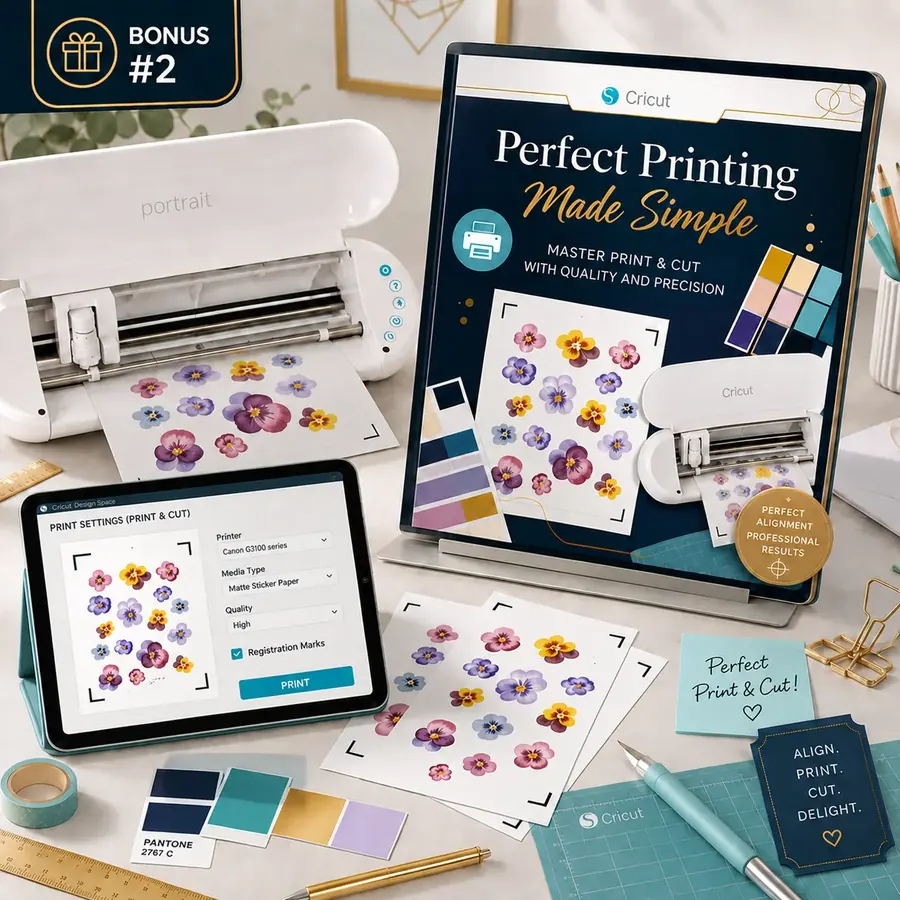 BONUS #2
Perfect Print
A guide to printing directly from Design Space with better quality, and prepping your project so the cut lines up correctly with the print.
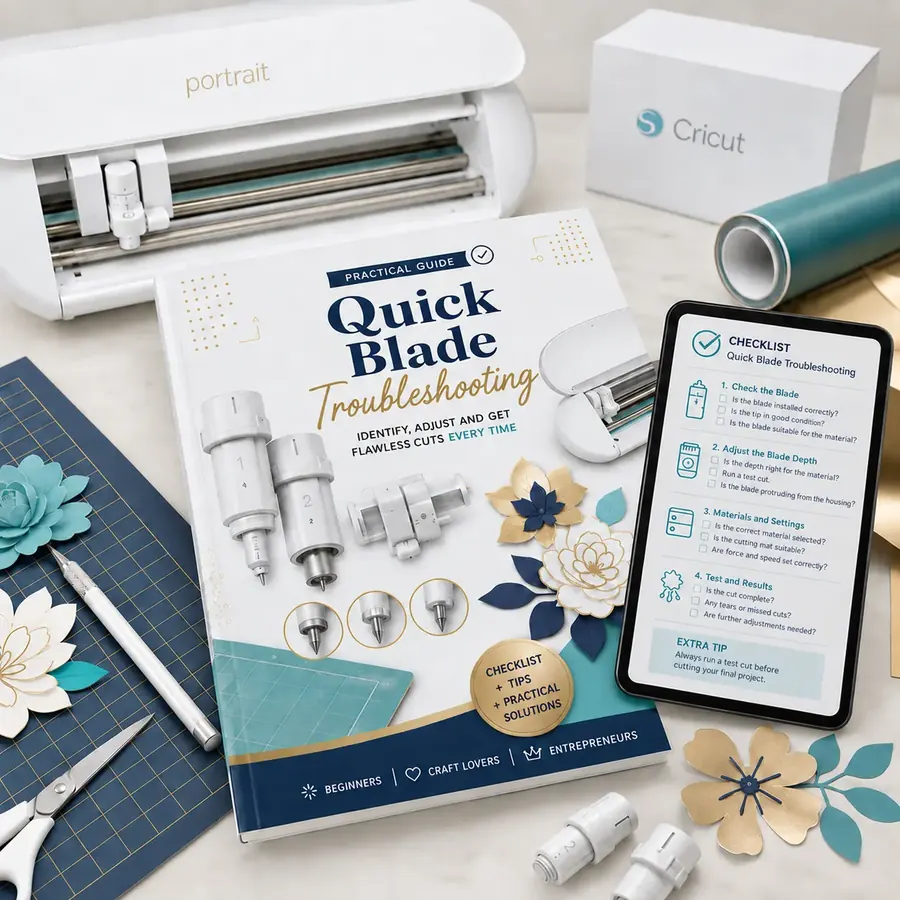 BONUS #3
Quick Blade Diagnosis
A visual chart to help you tell if your blade is dirty, worn out, seated wrong, or just not cutting anymore.
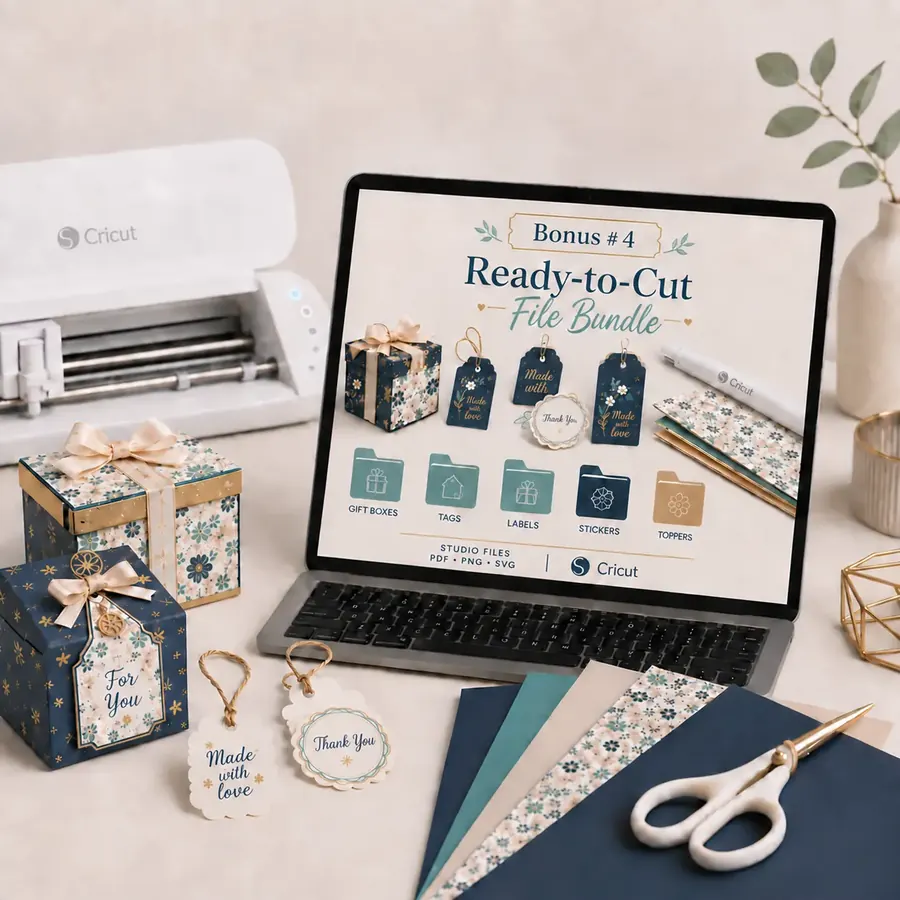 BONUS #4
Ready-to-Cut Files Pack
Over 180 complete kits organized by theme and ready to print and cut, everything set up to speed up your projects.
 BONUS #5
Profitable Cake Topper Pack
Over 100 cake toppers, ready to print and assemble.
Choose the option that's right for you
Basic Plan
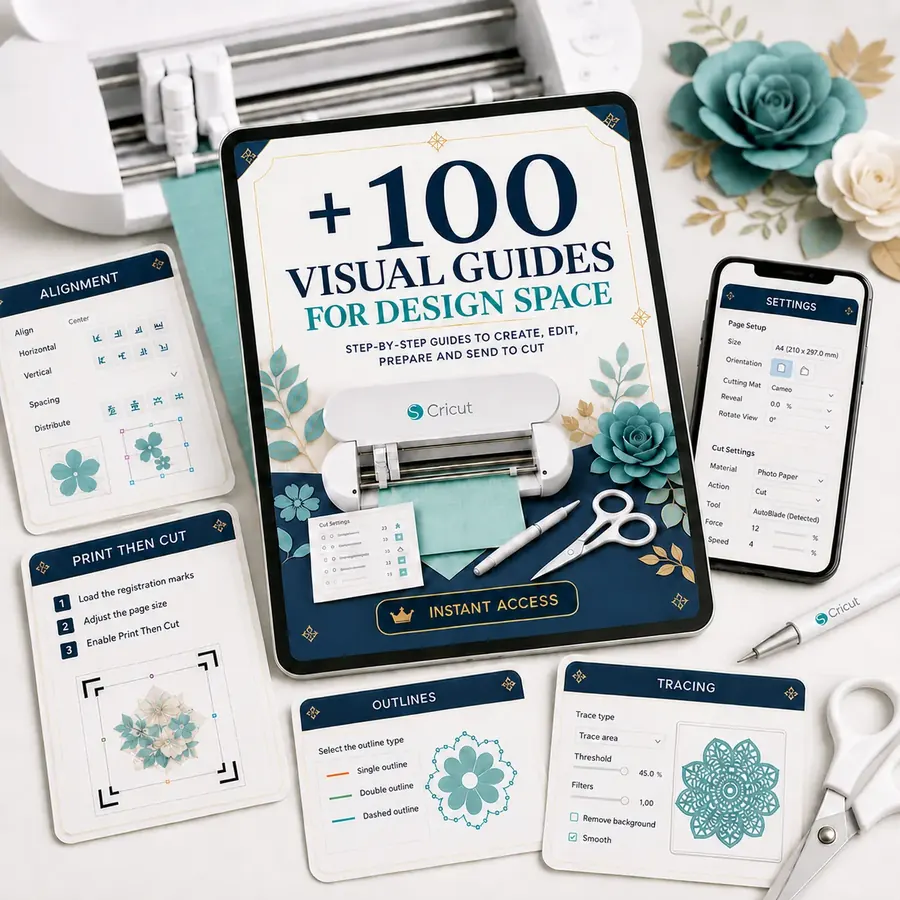
You get:
- 100+ visual guides for Design Space
- From the start of your project all the way to sending it to cut: shapes, text, contours, images, and Print then Cut
- Instant access by 📧 email
from US$14.90 to:
US$6.90
You save US$8.00
(52% OFF)
I WANT JUST THE BASIC PLAN92% of people go with the offer below:
COMPLETE PLAN
⚡ 2x the content
- 100+ visual guides for Design Space
- From the start of your project all the way to sending it to cut: shapes, text, contours, images, and Print then Cut
- Visual step-by-step for every tool, function, and command in the software
- Guides organized by task for quick lookup
- Ready-made sequence to cut down on trial and error
- Practical tips to avoid the most common cutting and printing mistakes
- PDF material you can check from your phone, tablet, or computer
- 🎁 Bonus #1 Perfect Cuts in Practice
- 🎁 Bonus #2 Perfect Print Guide
- 🎁 Bonus #3 Quick Blade Diagnosis
- 🎁 Bonus #4 180+ Kits with Ready-to-Cut Files
- 🎁 Bonus #5 100+ Profitable Cake Toppers
from US$39.90 to:
US$9.90
You save US$30.00
(80% OFF)
I WANT THE COMPLETE PLAN
You get a 15-day guarantee on the Design Space Visual Guides.
This guarantee exists because we stand behind the real, practical value of this material. You're not paying for a promise.